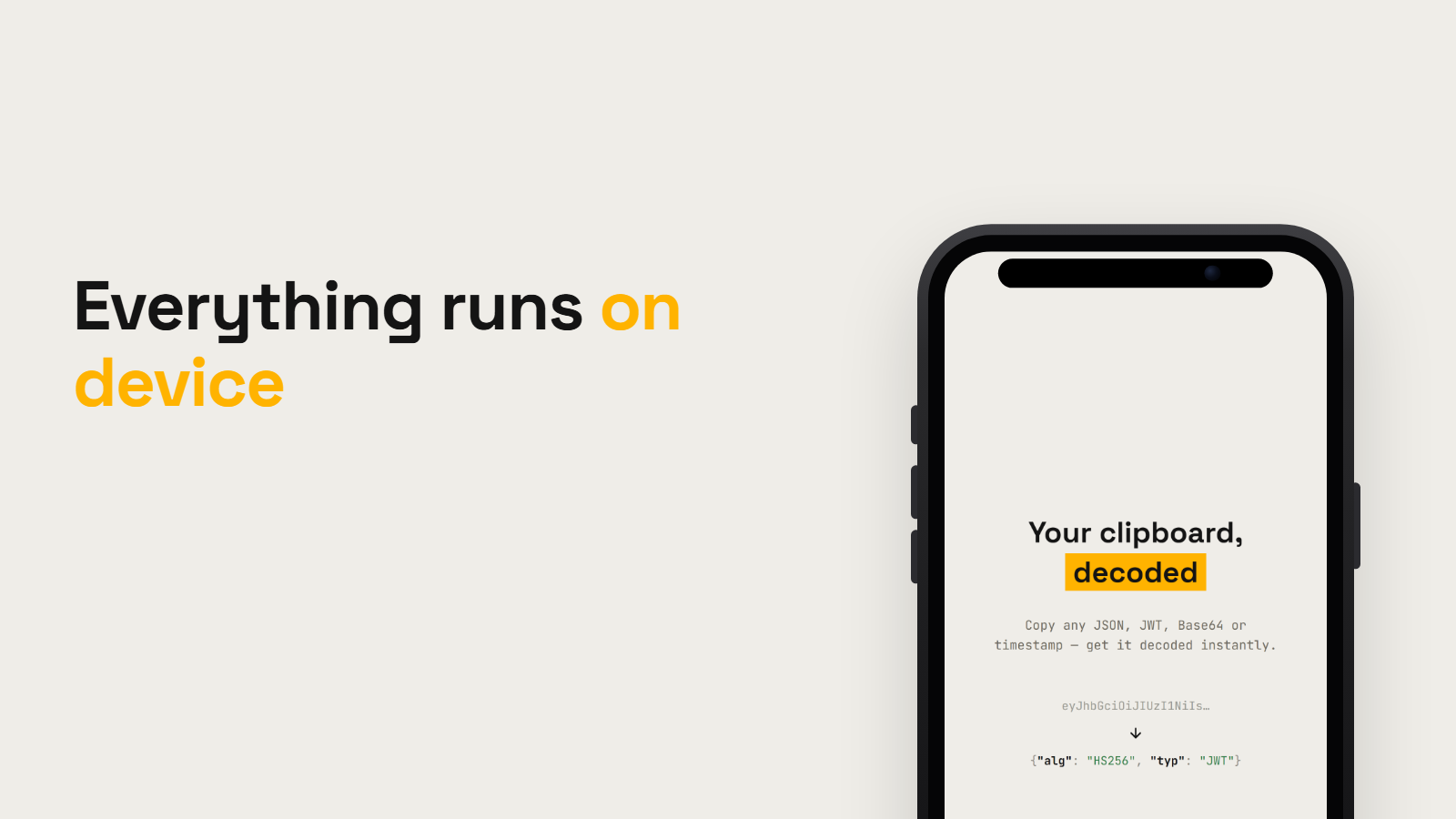
Declip is on the App Store: copy a JWT, a Unix timestamp, a Base64 blob or some minified JSON, open the app, and the tool you need is already picked and filled in.
The reason I built it is unglamorous. Away from a laptop I kept needing thirty-second operations on data. Read a JSON payload someone dropped in a chat. Decode a JWT from an alert. Convert a timestamp. Compare two configs. The web tools for this work fine right up until you notice you just pasted a production token into somebody else's server.
Eight tools
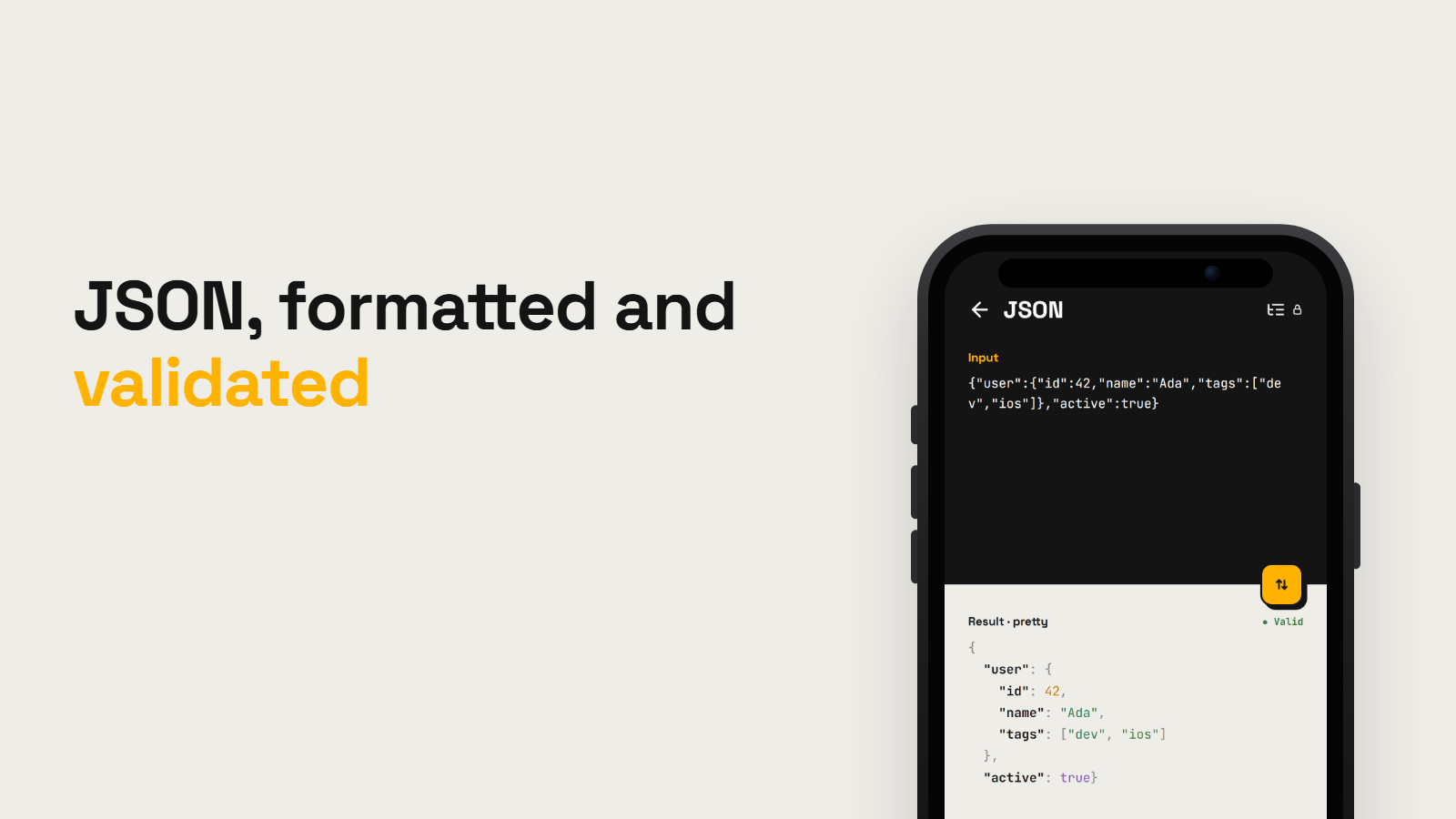
- JSON — format, validate, minify
- Base64 / URL — encode and decode, both directions
- Timestamp — Unix to human and back, with timezones
- JWT — header, payload, expiry
- Diff — compare two texts
- UUID — generate v4 and v7, validate
- Hash — MD5, SHA-1, SHA-256, SHA-512
- Color — HEX, RGB, HSL, plus code-ready literals
That is the whole app. No dashboards, no history, no account.
A core with no Flutter in it
Everything that transforms text lives in packages/devbox_core, a plain Dart package with no Flutter dependency at all. Its entire dependency list is crypto, uuid, timezone and intl. The Flutter layer on top is Riverpod 3 and widgets, and all it does is wire screens to functions that already work on their own.
The payoff is the test suite. Around sixty cases cover the tools and the classifier, and dart test runs them in a couple of seconds with no simulator and no widget pumping. When a tool is a pure function, testing it is boring, which is the point.
Writing the tools that way also made a few decisions obvious:
- A failed JSON parse returns the character offset of the bad byte, so the screen can point at the place it broke instead of saying "invalid".
- Base64 decodes, then throws the result away if less than 90% of it is printable. Without that check every random binary blob "decodes" into garbage.
- Timestamp ships the
timezonepackage's 10-year window instead of the full database. Same behaviour for anything anyone will actually paste, much smaller binary. - Color emits Flutter, SwiftUI and Compose literals next to HEX, RGB and HSL, because that is what I paste next anyway.
The classifier is just an ordered walk
When you open the app it looks at the clipboard and decides what you have. The whole thing is one ordered pass:
JSON → JWT → timestamp → Base64 → color → URL
Every tool reports a confidence, the highest one wins, and ties go to whichever comes first. That makes the order itself the disambiguation rule. JWT sits before Base64 because a JWT is also valid Base64, and with the two swapped every token you copy would turn into "some bytes".
Confidence has five levels, and anything below medium is not offered at all, so a copied sentence just leaves you on the home screen. Invalid JSON, on the other hand, still scores medium: if you pasted broken JSON you probably want the formatter, precisely because it will show you where it breaks.
Only the first 256 KB are probed. The tool itself still gets the full text.
The share extension runs no Flutter engine
Sharing text from another app into Declip goes through an iOS share extension. Extensions get very little memory, and booting a Flutter engine inside one is a bad trade for a sheet that shows a decoded string and closes.
So the parsers exist twice. Once in Dart in devbox_core, and once in Foundation-only Swift in ios/ShareExtension/Parsers.swift, covering JSON, JWT, timestamps and Base64. Duplicated logic is a cost I agreed to; in return the sheet opens instantly. That Swift file is also a member of the Runner target, so the three App Intents in Shortcuts reuse the same code instead of adding a third copy.
The other problem is size. A deep link cannot carry a large payload in a query string, so anything big is written to the shared App Group and the extension sends a sentinel instead:
declip://tool/json?payload=@appgroup
The Flutter side sees @appgroup, reads the text back over a method channel, and opens the tool with it. The test case I kept coming back to was sharing a JSON file over 1500 characters.
Nothing leaves the device
devbox_core has no network dependency, so there is no code path that could upload your clipboard even by accident. The only two places the app touches the network at all are RevenueCat for purchases and Crashlytics for crash reports.
Before each release I check the same thing: airplane mode on, every tool end to end. If something breaks there, it was talking to a server it had no business talking to.
Declip is on iPhone and iPad in twenty languages, and it runs on Apple silicon Macs through the iPad build.